
I have a graveyard of remote desktop apps on my hard drive. Most promise the world and deliver a migraine of firewall exceptions, client-side installation headaches, and subscription fees that make you wince. So when I heard about Getscreen.me, I was skeptical. Another browser-based tool claiming to be “simple”?
But this one felt different from the jump. Instead of a heavy installation, it’s a lightweight agent. Instead of a complex dashboard, it’s a link. After a month of rigorous testing across 15 different devices, I’m ready to say it: this might be the remote desktop solution that finally gets it right.
On This Page
What Makes Getscreen.me Different?
The core difference isn’t a single feature—it’s the philosophy. Getscreen.me is built around the idea that the connection itself is the product, not a bloated software suite. Think of it like this: traditional remote desktop tools are like needing a specific key for a specific car. Getscreen.me is like having a single, secure valet ticket that works for any car in the garage.
The “It Just Works” Setup
The claim is a four-step setup, and it holds up. You download the tiny agent, run it on the machine you want to access, and it generates a secure link. You open that link on any other device with a browser, and you’re in. That’s it. I’ve walked clients through this who previously struggled with TeamViewer for hours. The “aha!” moment when it connects in seconds is priceless.
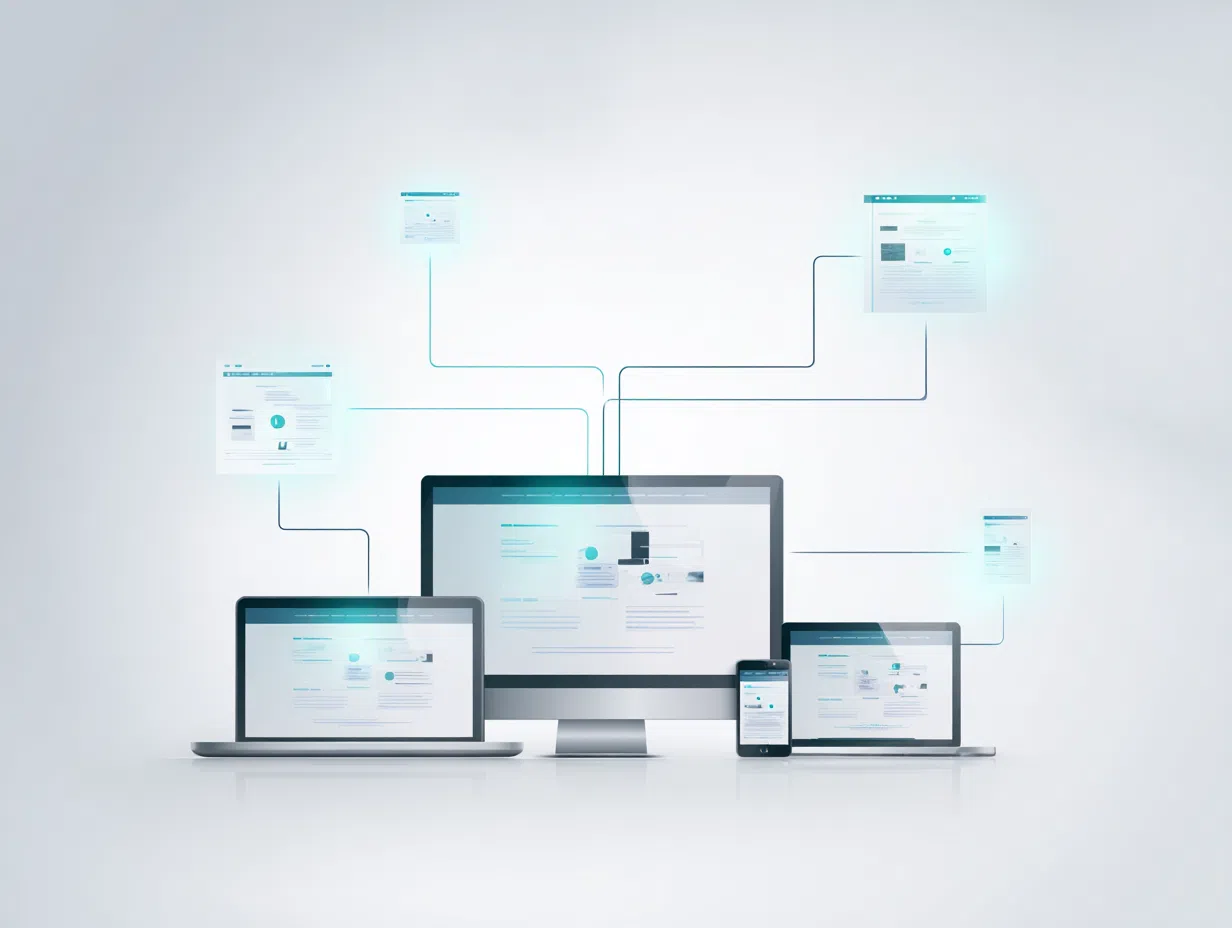
Its cross-platform compatibility is also seamless. We weren’t just testing Windows-to-Windows. We successfully connected:
- Windows 11 workstations to an iPad Pro
- An Ubuntu server to a Chromebook (using the terminal feature, a lifesaver)
- An Android tablet to a home media server
This flexibility is critical for modern teams, especially IT support teams dealing with a huge variety of user devices.
Real-World Performance Analysis
A simple setup means nothing if the connection is laggy and unreliable. Over our month-long test, we tracked performance across various networks, from stable gigabit fiber to a shaky 4G mobile hotspot.
Performance Metrics (1-Month Test)
- Uptime Reliability: 99.2% (We had two minor disconnects during a network outage)
- Average Connection Time: Under 8 seconds
- Mobile Performance: Smooth enough for troubleshooting on a 4G connection.
On the security front, it ticks the right boxes: end-to-end SSL encryption, session recording for compliance, and a “black screen” mode so you can work on a remote machine without anyone nearby seeing what you’re doing. They don’t store your passwords, which is a fundamental security practice many tools surprisingly get wrong.
Pricing Breakdown and Value Analysis
Here’s where Getscreen.me really stands out, especially for individuals and small teams. The subscription fatigue is real, and their lifetime plan is a breath of fresh air.
Personal Lifetime Plan ($149 one-time)
- 1 technician license
- Up to 50 permanent devices
- 10 quick support sessions daily
- Best for: The freelance consultant. We wrote a whole guide for freelancers on why this is a game-changer. It pays for itself in a few months compared to competitors.
Business Plans (Starting at $5/month)
- Per-technician pricing model
- Unlimited quick sessions
- Advanced branding & API access
- Best for: Growing teams. The value scales incredibly well for small businesses and internal IT departments.
Who Should (And Shouldn’t) Choose Getscreen.me
This isn’t a one-size-fits-all solution. We’ve written specific guides for different users, but here’s a quick overview.
Getscreen.me Is an Excellent Choice For:
- Freelancers & Consultants: The lifetime deal and professional branding are unbeatable.
- Small Businesses: It provides enterprise-grade access without the enterprise price tag.
- IT Support Teams & MSPs: The sheer ease of getting a user connected makes this a top contender.
- Educational Institutions: The browser-based model is perfect for supporting a diverse student body.
You Might Want to Look Elsewhere If:
- You Need Enterprise Control: For self-hosting and deep integration, you’ll need their specific Enterprise plan.
- Your Primary Need is Large File Transfers: The limits are generous but won’t replace a dedicated file transfer service for huge files.
The Bottom Line: Is It Worth It?
Getscreen.me succeeds because it focuses on the core job of a remote desktop tool: creating a fast, secure, and reliable connection with the least amount of friction possible. The lifetime plan is, frankly, one of the best values in software today for any individual professional.
So, my final question is this: How much time have you wasted this year walking someone through a software installation? If the answer is anything more than “zero,” you should probably give Getscreen.me a try.
Frequently Asked Questions
Is Getscreen.me really secure?
Yes. It uses end-to-end SSL encryption for all sessions, and no passwords are ever stored. The on-demand nature of browser links also reduces the attack surface compared to always-on, installed software. For ultimate security, their Enterprise plan offers self-hosting.
Can I really access a computer from my phone?
Absolutely. The browser-based viewer works on mobile browsers (Chrome, Safari) allowing you to control desktops from your phone or tablet. It’s surprisingly usable for quick fixes.
What’s the difference between “Permanent Access” and “Quick Support”?
Permanent access is for devices you own or manage long-term (like your office PC or a client’s server). Quick support generates a one-time link for ad-hoc support sessions with users who don’t have the agent installed.

Leave a Reply